
Ford FDRS – Ford Diagnostic & Repair System
Ford FDRS – The Official Diagnostic & Repair Software for Ford Vehicles (2018+)
Ford Diagnostic & Repair System (FDRS) – The next generation factory Ford Motor Company vehicle diagnostic Software designed for use with VCM II, VCMM and J2534 compatible Vehicle Communications Interfaces (VCI). FDRS provides complete dealership level vehicle diagnostic coverage for some 2018 and forward vehicles. FDRS provides superior capabilities, is more user-friendly and provides more diagnostic tools than IDS. The cloud-based system ensures the technician is provided the latest software every time FDRS logs into the Ford network. The FDRS software license is shared with IDS or FJDS. Access to FDRS is included with the purchase of either IDS or FJDS software license
For technicians, garages, and independent workshops working on modern Ford vehicles such as Ranger, Everest, F-150, Explorer, Bronco, and Transit 2020+, FDRS is an essential tool for accurate diagnostics, module programming, and advanced service procedures.
1. What is Ford FDRS?
Ford Diagnostic & Repair System (FDRS) is the official dealership-level diagnostic software developed by Ford Motor Company.
It replaces IDS for late-model vehicles and provides comprehensive control over:
-
-
-
Diagnostics
-
Module programming
-
Coding & configurations
-
Online ECU flashing
-
Guided service procedures
-
-
FDRS automatically updates through the cloud, ensuring the technician always uses the latest software, functions, and calibration files. The FDRS license is shared with Ford IDS or Ford FJDS, meaning you don’t need a separate subscription if you already own IDS/FJDS.
2. Supported Vehicles
FDRS is designed for Ford and Lincoln vehicles from model year 2018 and newer, including:
-
-
-
Ford Ranger 2019–2025
-
Ford Everest 2019–2025
-
Ford F-150
-
Ford Transit 2020+
-
Ford Explorer
-
Ford Bronco
-
Ford Mustang 2018+
-
Lincoln vehicles (various models)
-
-
For models before 2018, Ford still recommends using IDS.
3. Key Features of Ford FDRS
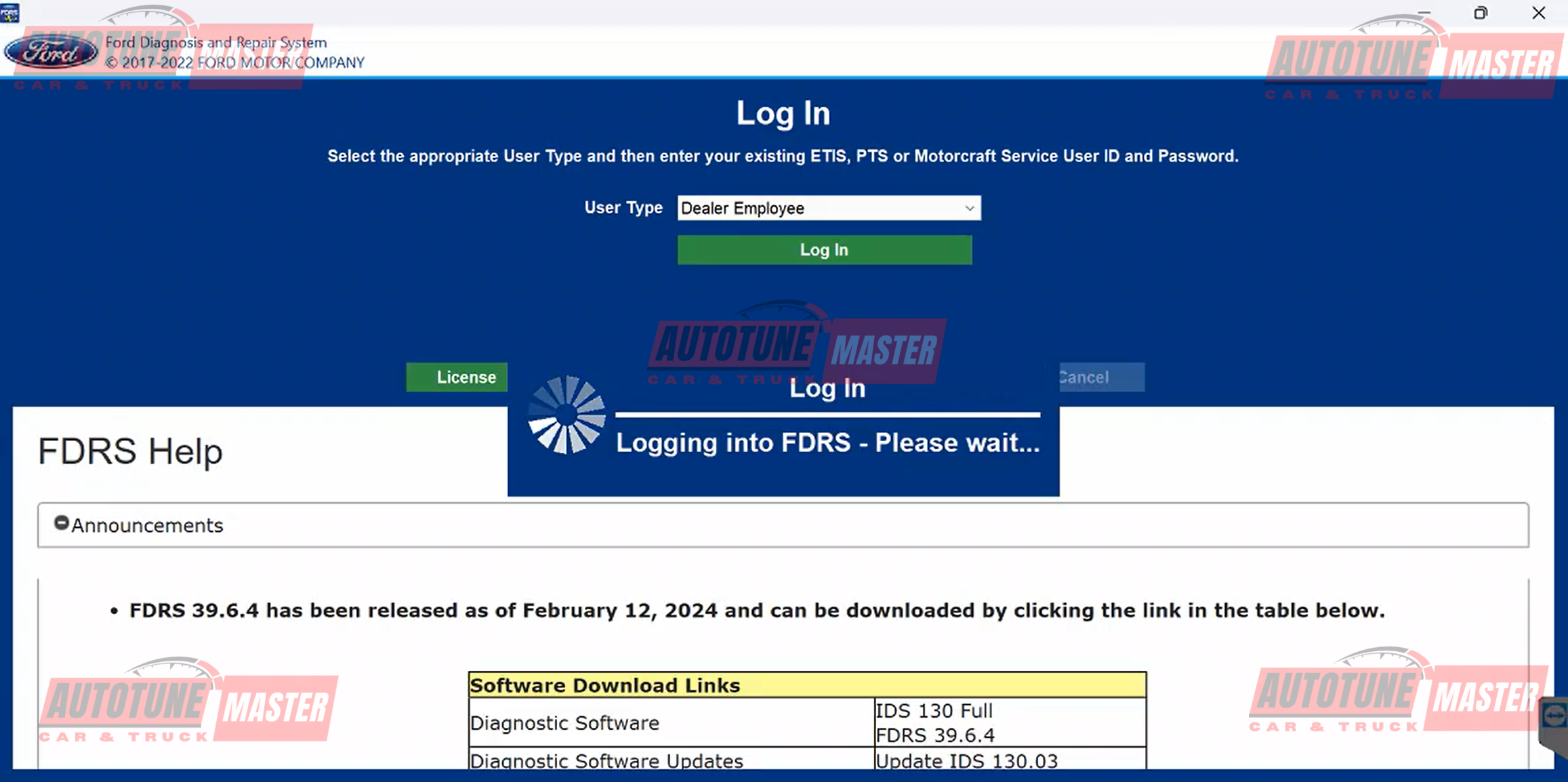
3.1. Complete Diagnostic Coverage
-
-
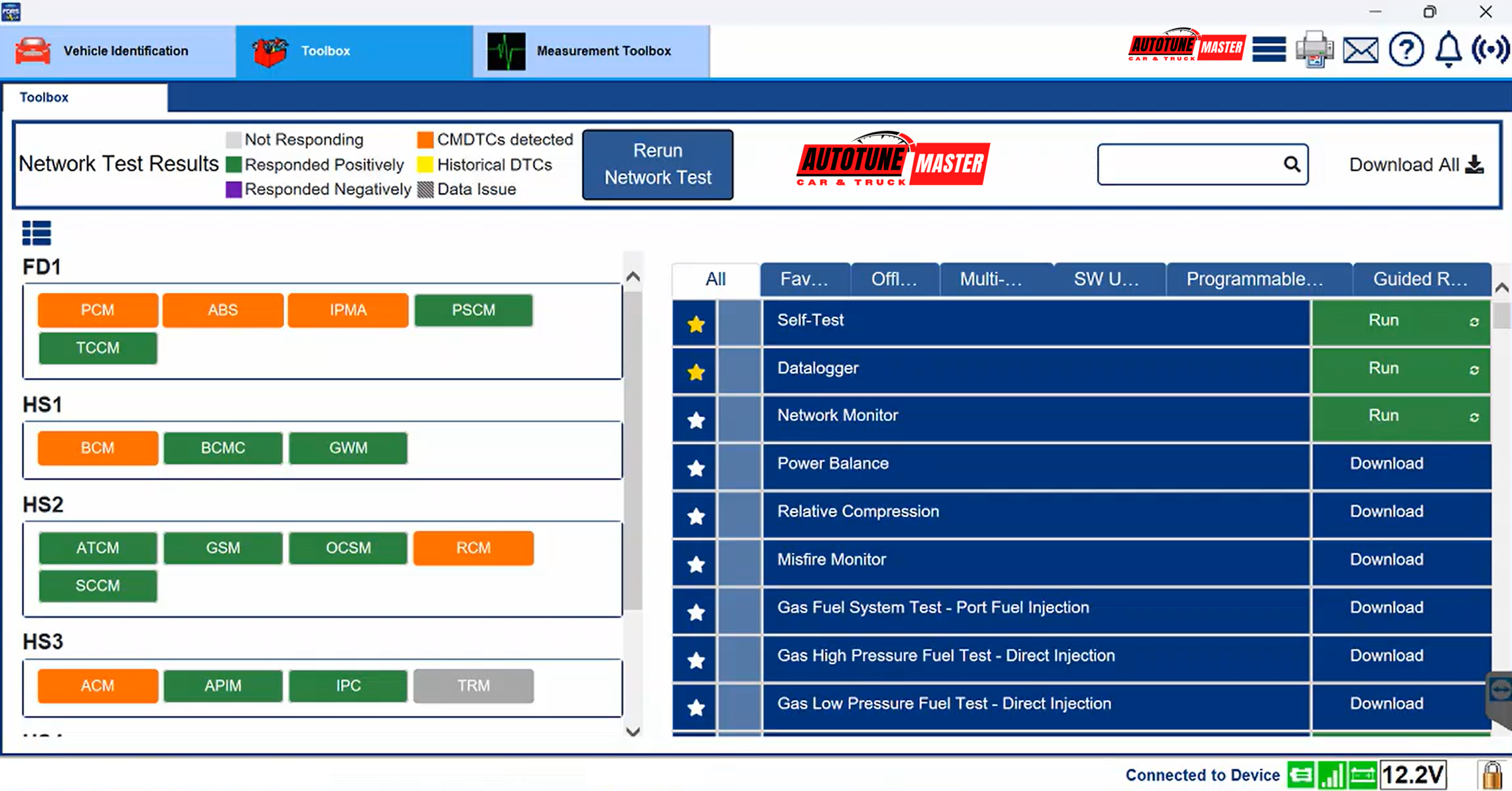
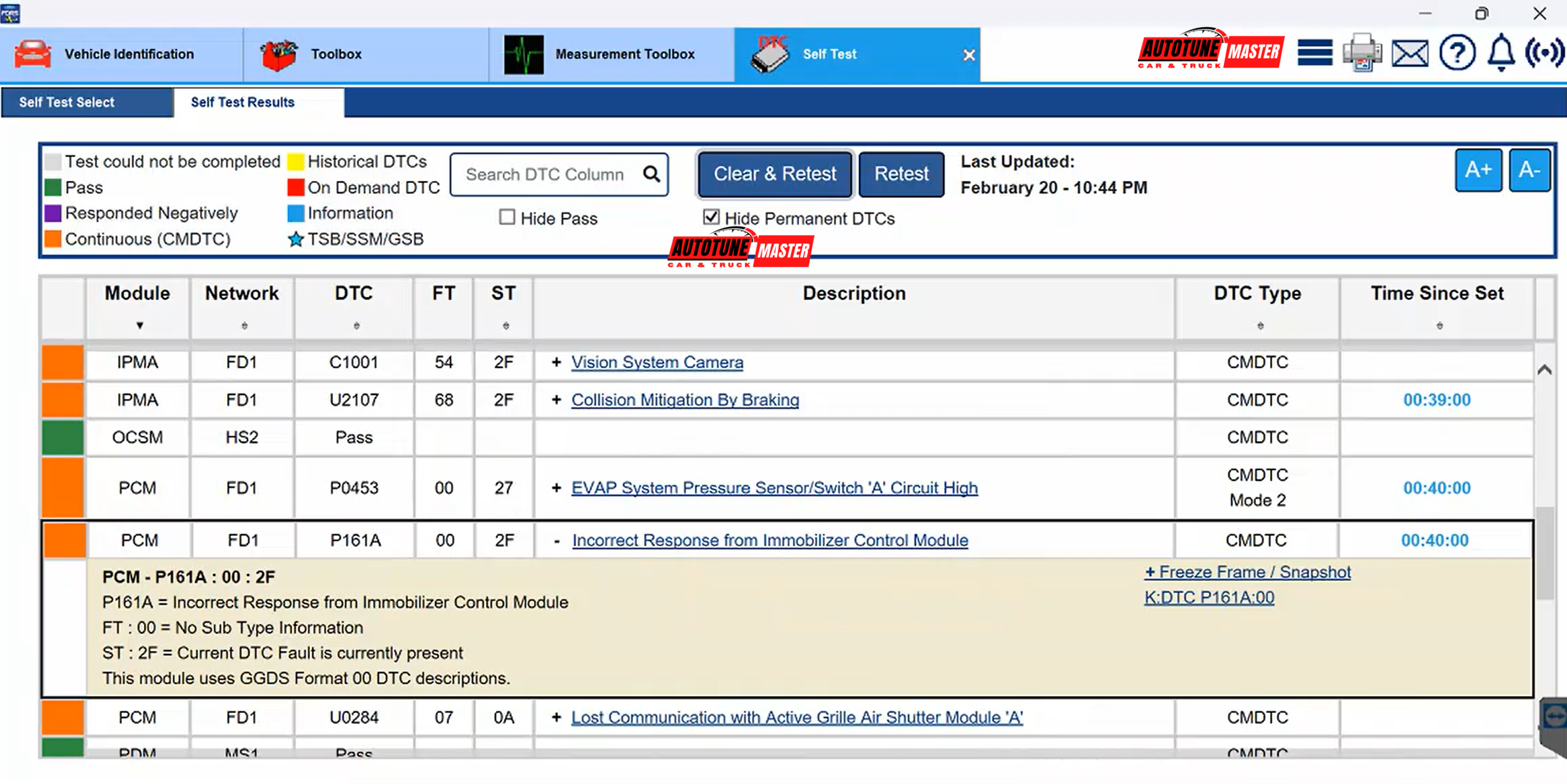
Read & clear DTCs (all modules)
-
Live Data / Parameter Monitoring
-
Bi-directional tests (injectors, pumps, fans, actuators…)
-
Reset and relearn procedures
-
3.2. Online Programming & Coding
-
-
Online ECU/PCM flashing
-
Module initialization (PCM, TCM, ABS, BCM, etc.)
-
PATS immobilizer programming
-
Calibration updates directly from Ford servers
-
3.3 Guided Service Routines
-
-
ABS bleeding
-
Transmission adaptive reset
-
Throttle body relearn
-
AdBlue/SCR reset
-
Turbocharger calibration
-
CAN network diagnostics
-
These service functions are designed for dealership-level accuracy.
3.4. Cloud-Based Updates
Every login synchronizes the software with Ford’s servers → ensuring the most accurate and up-to-date data for each VIN.
4. Main Capabilities Summary
-
-
Full system diagnostics (all ECUs)
-
Live Data & bi-directional control tests
-
Module programming & ECU flashing
-
Immobilizer (PATS) functions
-
Reset & relearn operations
-
Cloud-based updates
-
VIN-specific service functions
-
Dealer-level guided routines
-
5. Compatible Diagnostic Interfaces
FDRS works with:
-
-
- VCM2, VCM3 (Official Ford device)
- VCMM
- J2534 Pass-Thru Devices, such as: Bosch MTS, DrewTech CarDAQ, VCX Nano Ford (works, but less stable), OpenPort 2.0 (limited functionality),…
-
For best stability, Ford recommends VCM II AND VCM3
6. License & Software Download
Common versions offered include:
-
-
-
FDRS Online License (2-Day / 30-Day / 1-Year)
-
Windows 10/11 supported
-
Works with VCM II and quality J2534 tools
-
Remote installation support for workshops
-
-
Ford IDS & FDRS Lastest version download here
7. System Requirements
-
-
Windows 10 or Windows 11 (64-bit)
-
At least 8GB RAM
-
Stable internet connection for online flashing
-
Compatible VCI (VCM II / J2534)
-
8. Who Should Use Ford FDRS?
FDRS is ideal for:
-
-
-
Professional garages
-
Independent Ford specialists
-
Automotive electricians
-
Programming & coding technicians
-
Workshops handling U.S. Ford imports
-
Businesses servicing Ranger/Everest 2019–2025
-
-
If your shop works on modern Ford vehicles, FDRS is mandatory for accurate diagnostics and successful module programming.
9. Conclusion
Ford FDRS is the official diagnostic and repair platform for all Ford and Lincoln vehicles from 2018 onwards. It provides dealership-grade functionality, online programming, advanced service tools, and continuous updates through Ford’s cloud system. For any workshop servicing modern Ford vehicles, FDRS is the most powerful and reliable solution available today.
Contact Us
📧 Email: autoservicerun@gmail.com
📱 WhatsApp: +1(418) 478 2325
🌐 Website: Autotunemaster.info